How to Check Your Application Status with Compass Group
If you've applied for a position with Compass Group and want to check your application status, follow these steps:
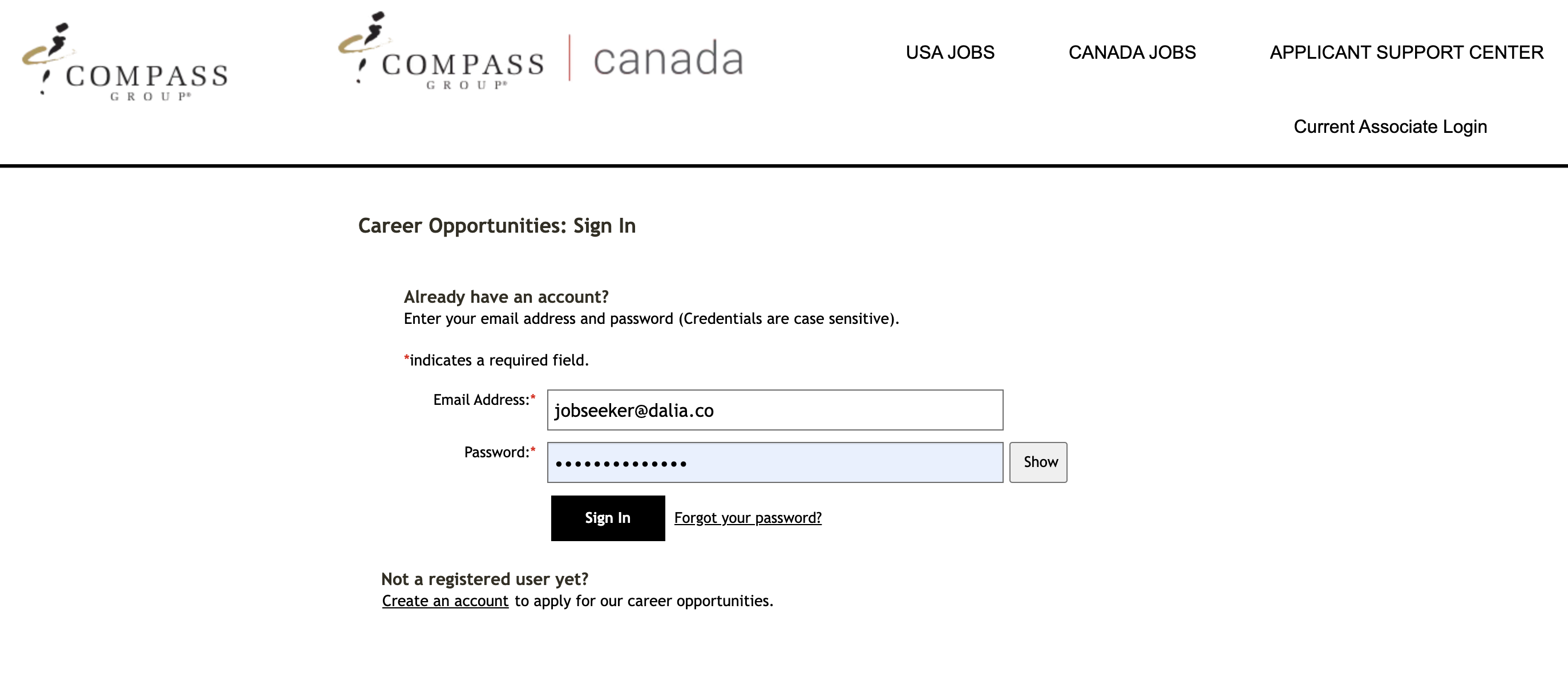
Step 1: Log Into Your Candidate Profile
Visit the Compass Group candidate portal here. Use your login credentials to access your profile.
Having login issues? Learn how to reset your password here.
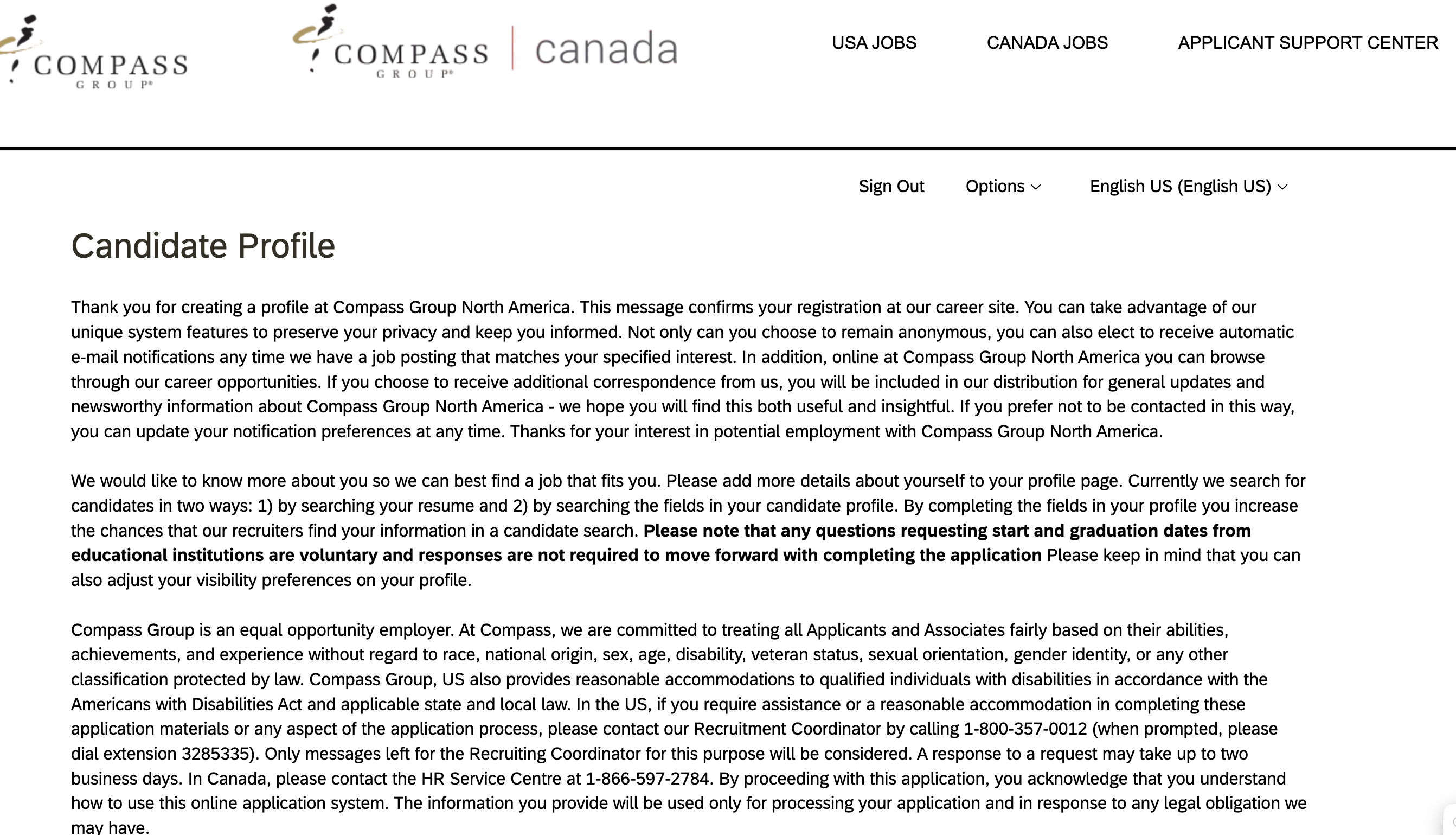
 Step 2: Go to "My Profile"
Once logged in, click on the “My Profile” section in the navigation menu.
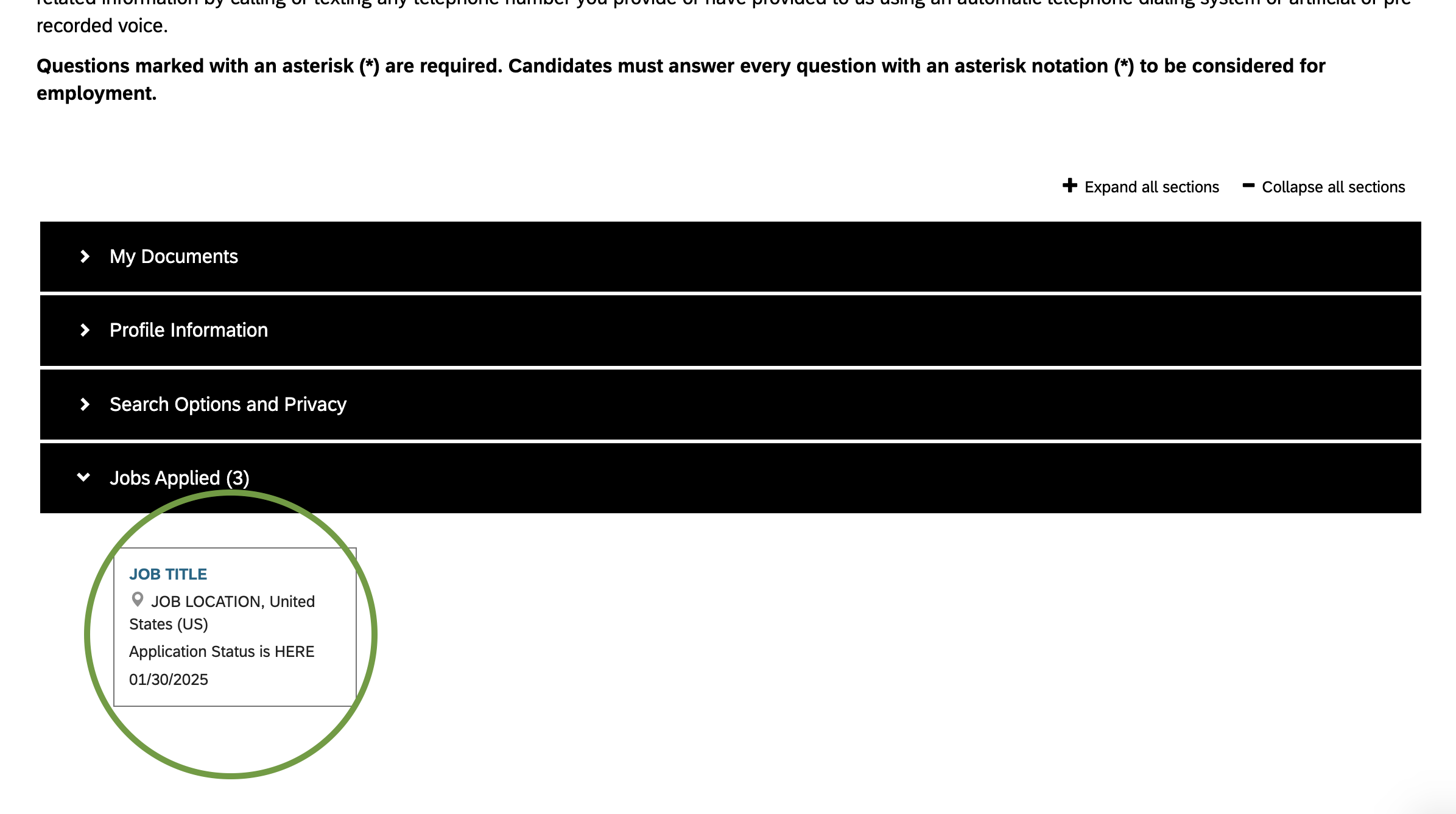
Step 3: View "Jobs Applied"
Scroll down to the “Jobs Applied” section to see the status of your applications. This will display all the jobs you've applied for and any updates regarding your application.
Additional Resources
Compass Group also offers an FAQ section with helpful information about application statuses and other common questions. You can find it here.
If you have further questions or need additional assistance, don’t hesitate to reach out to us. We’re here to help!